
Credential Design and Policy Studio
Credential Design & Policy Studio (CDPS) defines a credential's appearance, data relationships, and operating policies. Designers specify card dimensions, arrange text, photos, and codes, configure data sources, components, reports, and permissions, and deliver the completed layout to Credential Operations Console (COC).
This chapter is for designers, implementers, and administrators. New users can follow the staff-card example throughout. For an existing project, first back up the layout and configuration, then consult the relevant settings, modification procedures, and delivery checks.
Responsibilities: CDPS defines how credentials look, where their contents come from, and which roles may use them. COC maintains and reviews records and produces credentials according to those definitions. A saved layout may contain connections, bindings, reports, and access policies as well as the visible artwork. The personnel database, folder-based photos, and external services remain separate dependencies.
For example, bind a name object to a query's name output once. When an operator changes the selected person in COC, the same layout shows that person's name and photo without requiring another design.
- Confirm requirements: finished dimensions, front/back printing, contents, data sources, operator roles, logos, sample photos, and fictitious records.
- Build the layout: size, orientation, front and back, headings, fixed artwork, and background.
- Prepare data: automatically create a standard database for a new project, or validate an existing business connection and query.
- Bind dynamic content: names, departments, photos, and codes; test different records and missing values.
- Configure policies: drop-down lists, triggers, interfaces, reports, permissions, and data scope as needed.
- Save and deliver: use file delivery or database synchronization, then verify with the target COC user and a single test print before production.
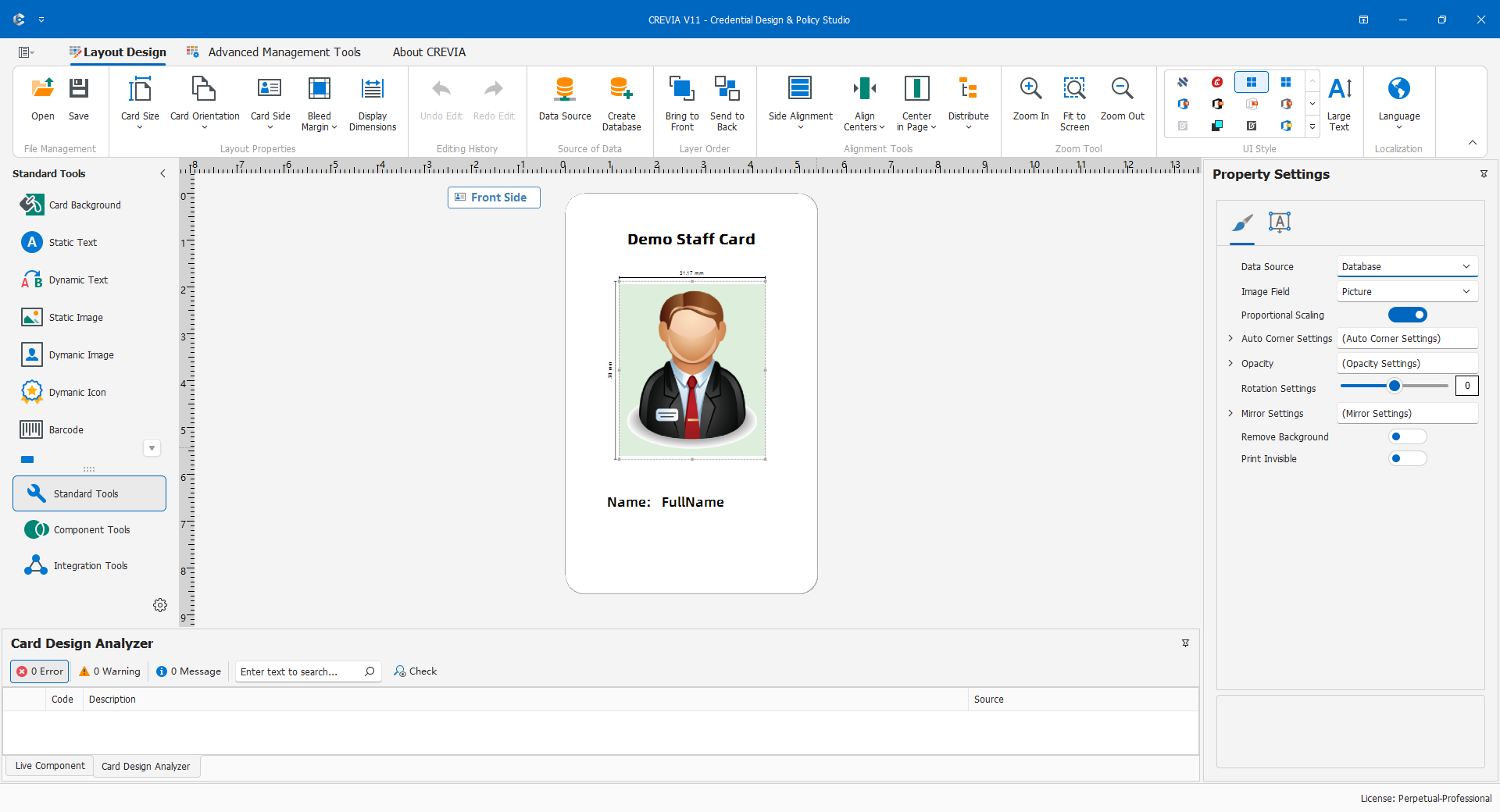
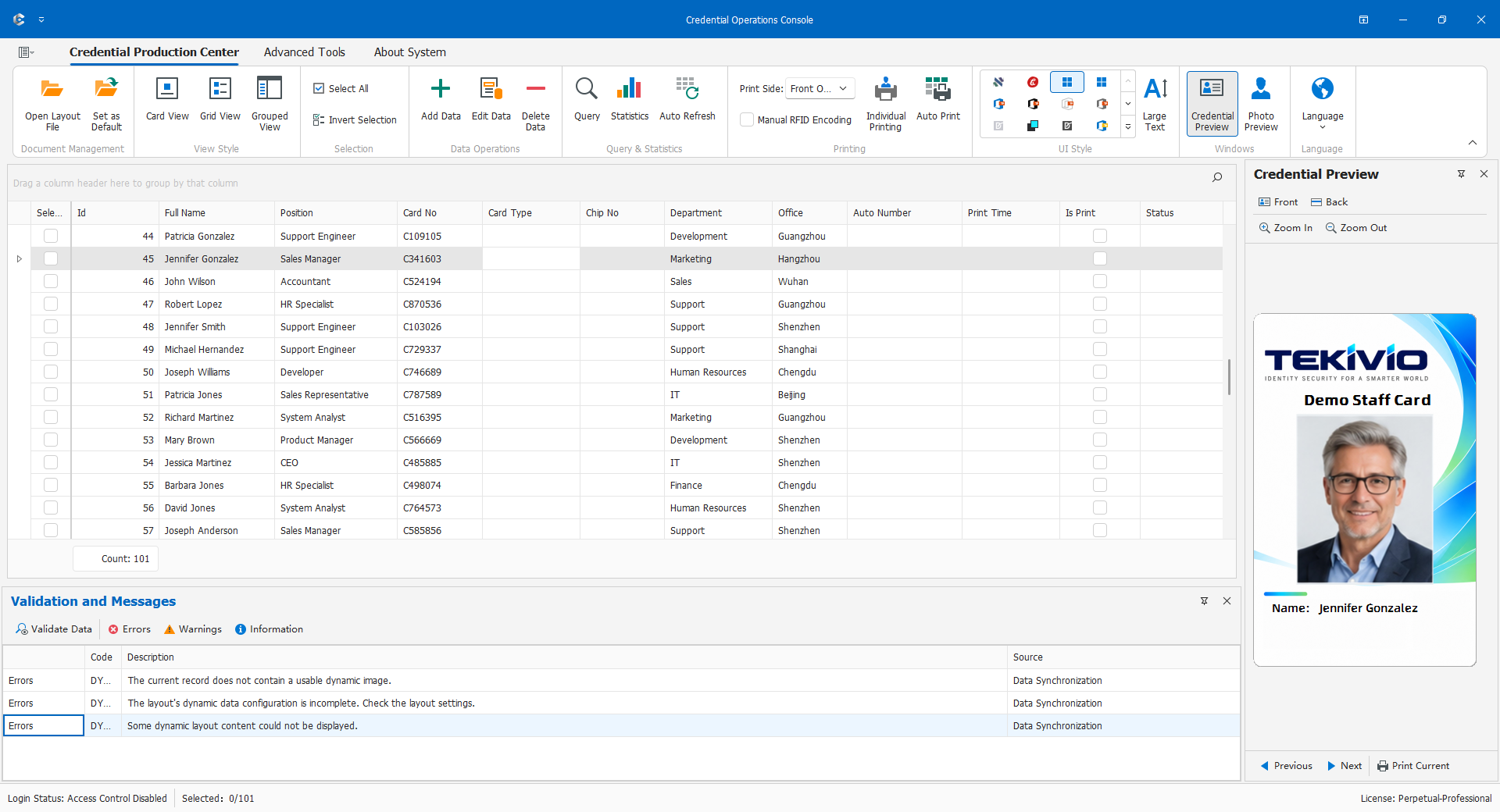
For a first database-driven card, read 4.1, 4.2, and 4.3, complete 4.5, return to 4.4, and deliver through 4.9. For fixed-content credentials, concentrate on 4.1-4.3 and 4.9; numbers alone do not make content dynamic. Add components, reports, and access control after the basic layout and data are working.
The running example has a logo, name, department, photo, credential number, and code on the front, and instructions on the back. Names and business values are examples, not production settings. Functions depend on both the product license and the current user's permissions.