Reports
5.8 Reports
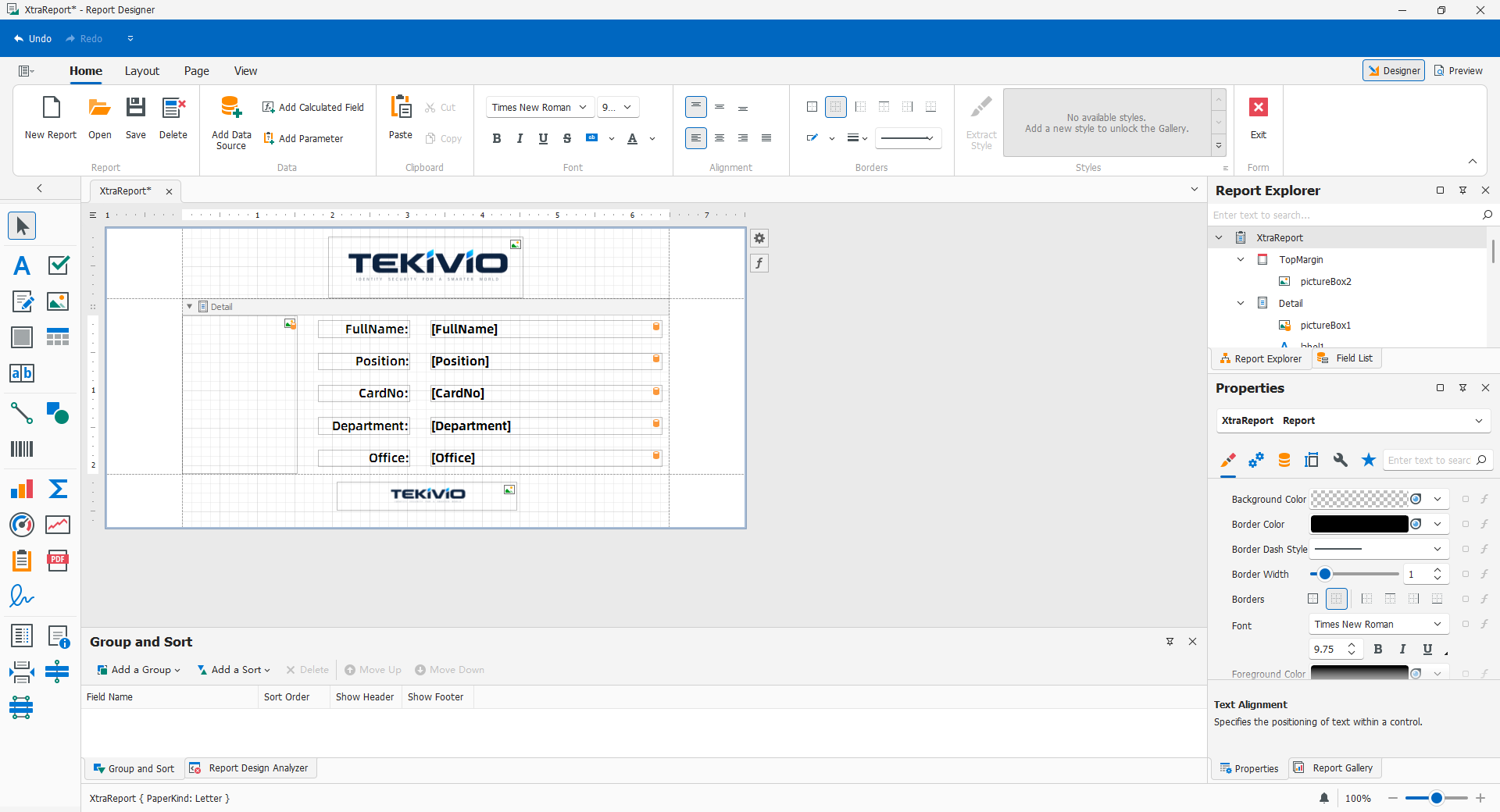
CDPS designs templates and publishes them with the layout. Reports execute their own data retrieval and page composition, not a screenshot of the current grid.
5.8.1 Opening Reports
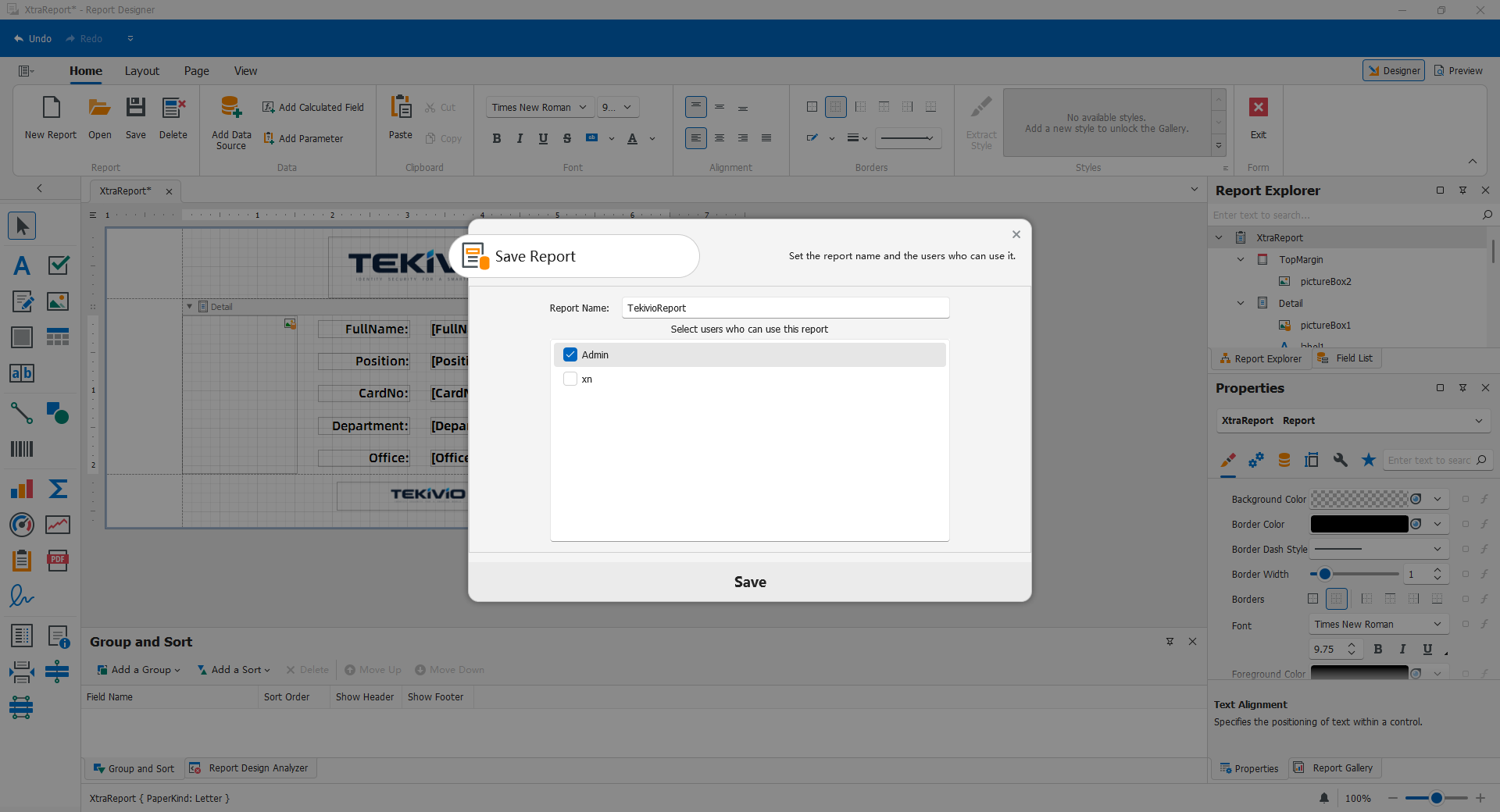
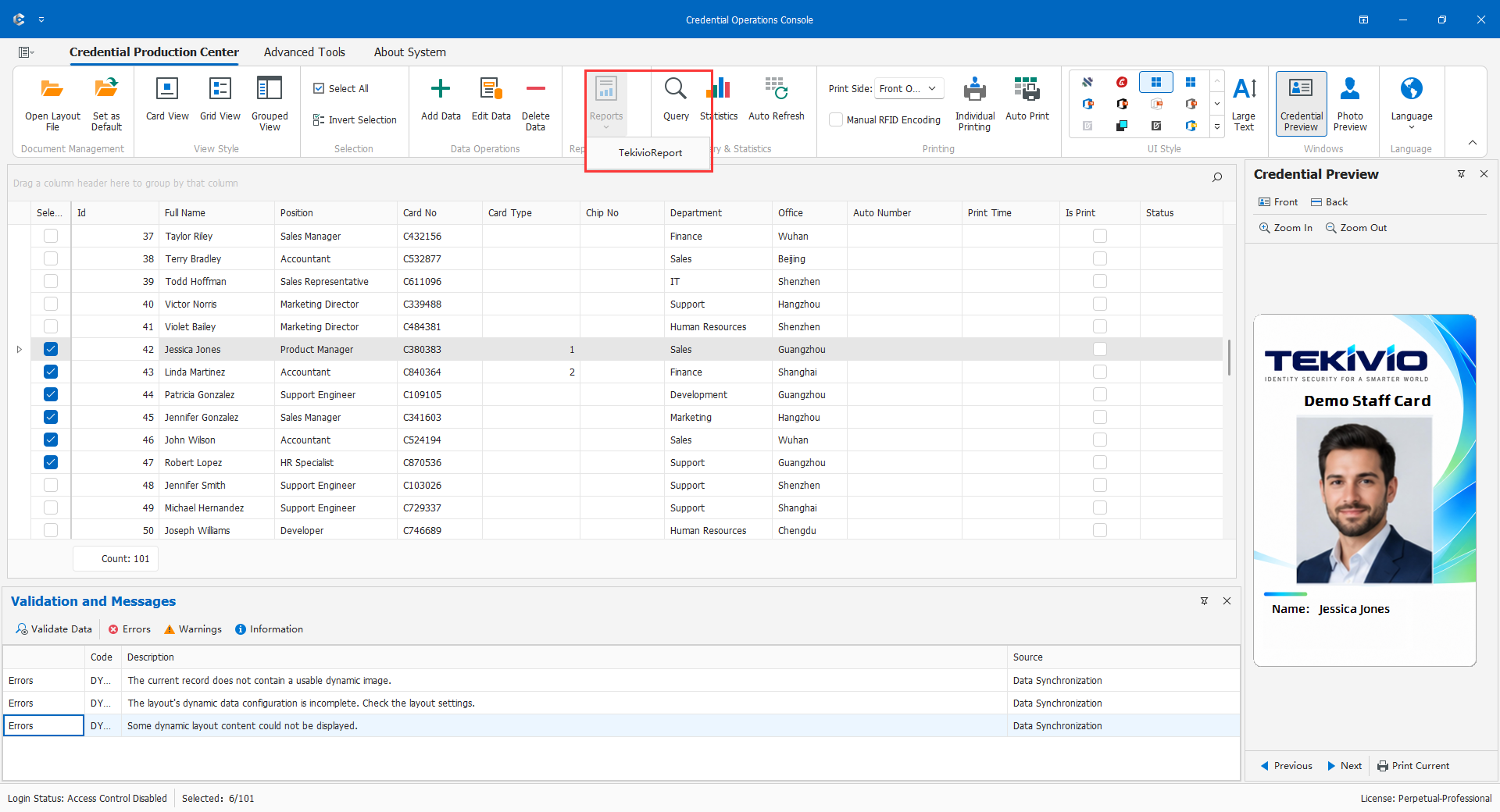
Open the correct layout, log in, confirm a connection, choose the intended visible report, and wait for preview. Check date, scope, fields, and count before output. Menus show templates allowed for the user; missing reports require checking template presence and allowed users. Updates need both template save and whole-layout delivery.
Reports reexecute the current effective SQL, with group SQL taking precedence. They do not automatically inherit grid search, filters, checked rows, or focus. A one-department screen does not prove a one-department report. Administrators must define and verify the appropriate query/template restrictions.
5.8.2 Preview, Print, and Export
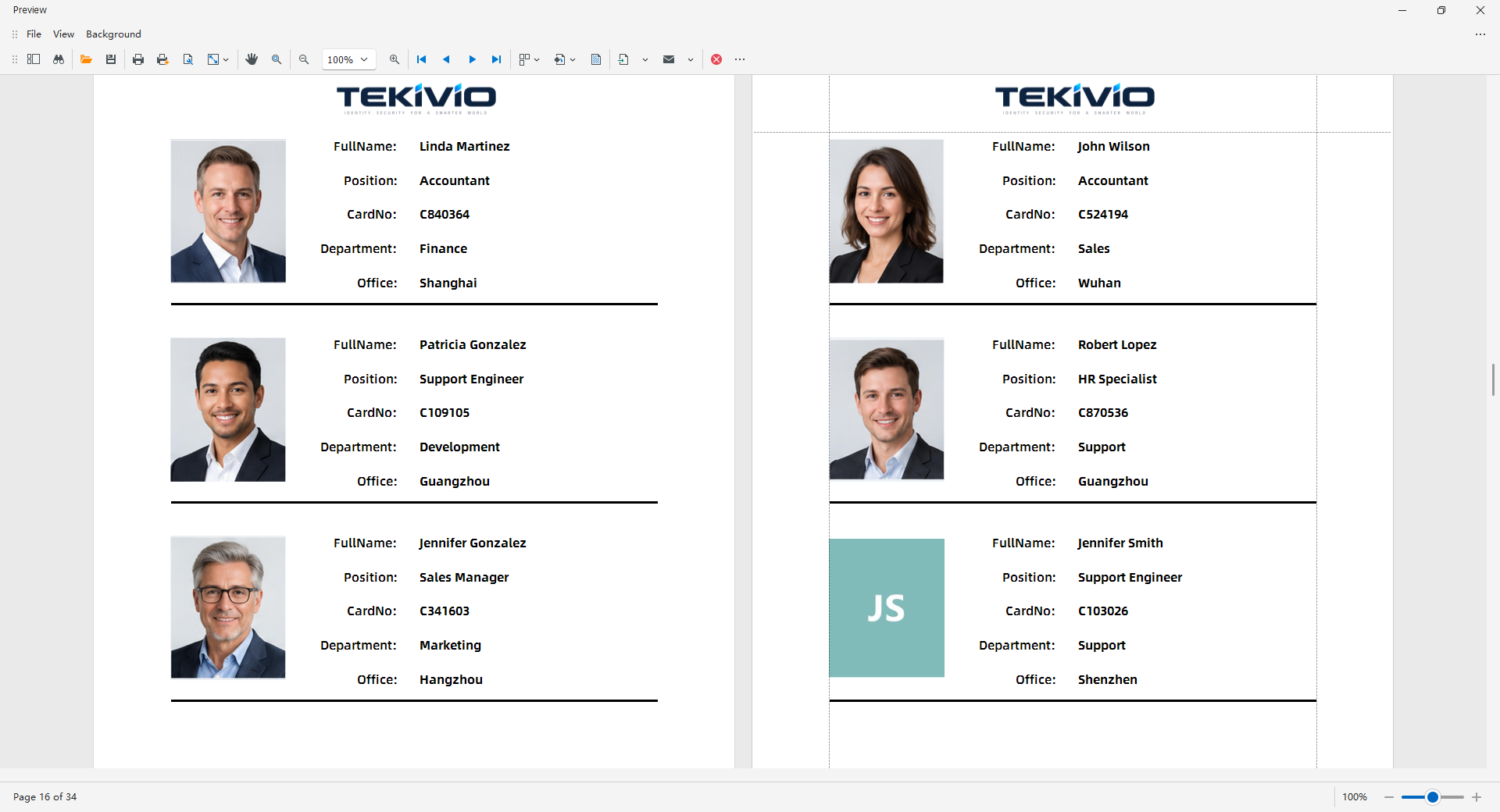
Check first/middle/last pages, totals, headers/footers, grouping, photos, long values, margins, and scope. Use actual toolbar print/export formats. Select report-specific paper, direction, and pages and trial before a full print. Reopen exports to check pagination, fonts, multilingual text, and images. Store securely and remove unrelated people/fields/pages before delivery.
A report is not credential printing and should not be assumed to update issuance state. For failures, preserve a redacted message and have template fields compared with current SQL structure.