Permissions and Operational Restrictions
On this page
5.9 Permissions and Operational Restrictions
License, layout policy, user permission, source capability, and context jointly determine availability. Identify the layer before reporting a missing/disabled command as a defect.
5.9.1 Login Permission
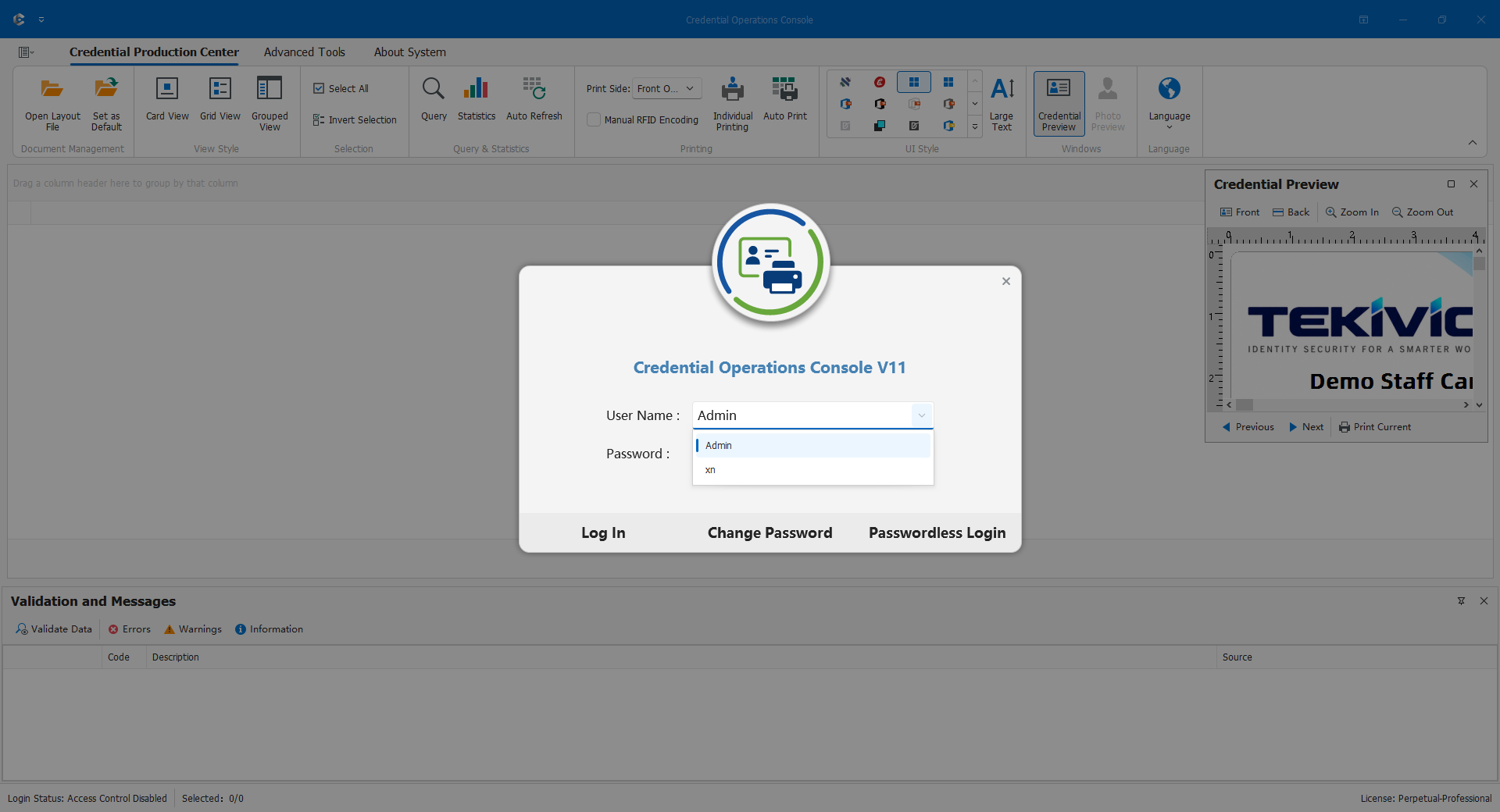
Controlled layouts use their saved accounts and require COC login permission. CDPS access is not COC access; open mode still needs product licensing. Administrators should assign individual accounts, update leavers' policies and layout releases, and use approved password procedures. Do not delete permission files to bypass failed login.
5.9.2 Data Permissions
Add, Edit, Delete, Import, and Export are individually controlled. A visible list is not write authority; use maintenance forms. Group SQL determines read scope, while interface filters neither broaden permission nor replace database security. Import modes additionally require add/edit rights. Read-oriented XML and other source limitations may prevent relational-style updates. Report templates have their own user scope; export permission does not authorize unrestricted disclosure.
5.9.3 Print Permission
Current, sequential, imposition, and automatic printing require print permission. Important operations may also verify program integrity. On failure, stop and repair through official files, not modified checks or repeated submissions.
Check focus/selection, side, permission, licensed function, and device readiness. Imposition also needs saved settings and no duplex; automatic tasks need keys and valid rules. Print authority does not waive photo review, encoding acceptance, or collection records. Document reprint scope and old-card handling.
5.9.4 License Editions
Basic supports static design/output, not database-driven personnel elements. Standard adds databases, dynamic content, and ordinary batch production. Advanced adds interfaces, components, and reports. Professional adds imposition, batch exchange, and batch photo processing. Actual issued features and separate disables control availability, including automatic printing and trial limitations.
A button on another workstation does not establish this one's rights; upgrading the license does not automatically grant role permissions. Record layout, user, edition, entry state, and redacted messages for administrators. Do not bypass restrictions using open access, another database, or copied settings. Revalidate one complete record before returning to batches.