01 / YOUR WORKFLOW
Choose the workflow, then the licence.
Four deployment patterns combine Studio and Console around the way you work. Choose a starting point, then review the licensing details.
01
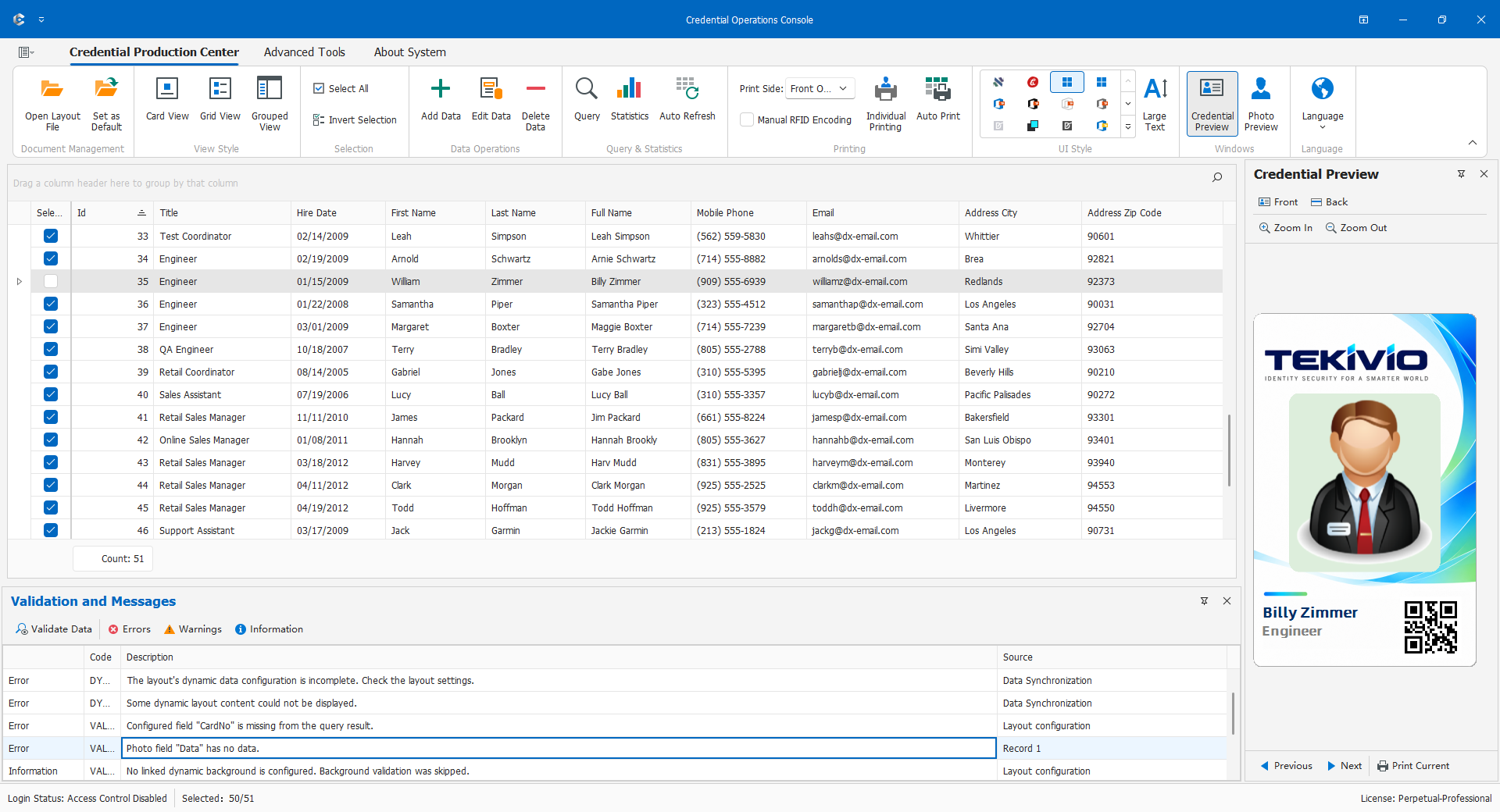
Design & Print
Studio + Console
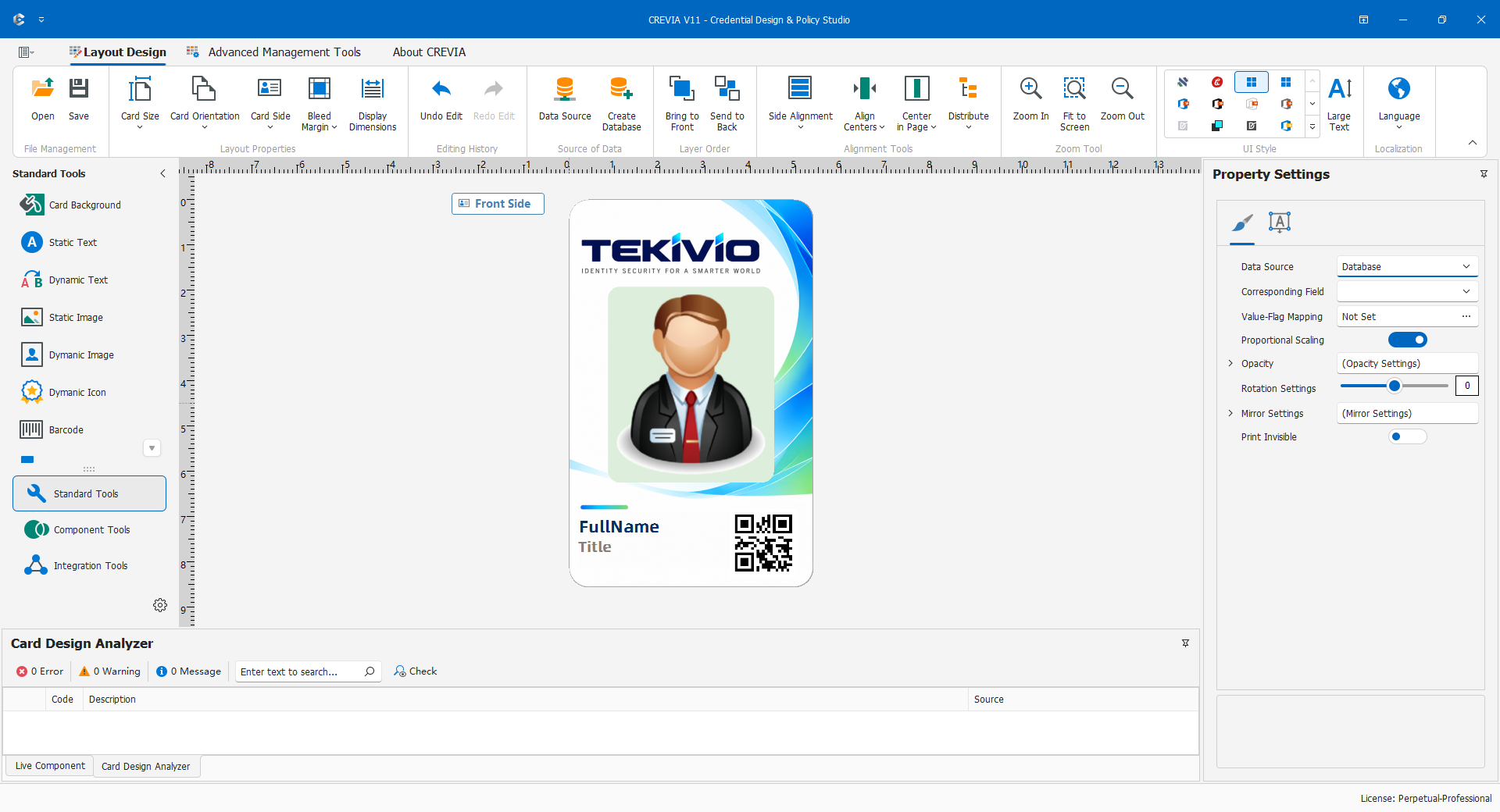
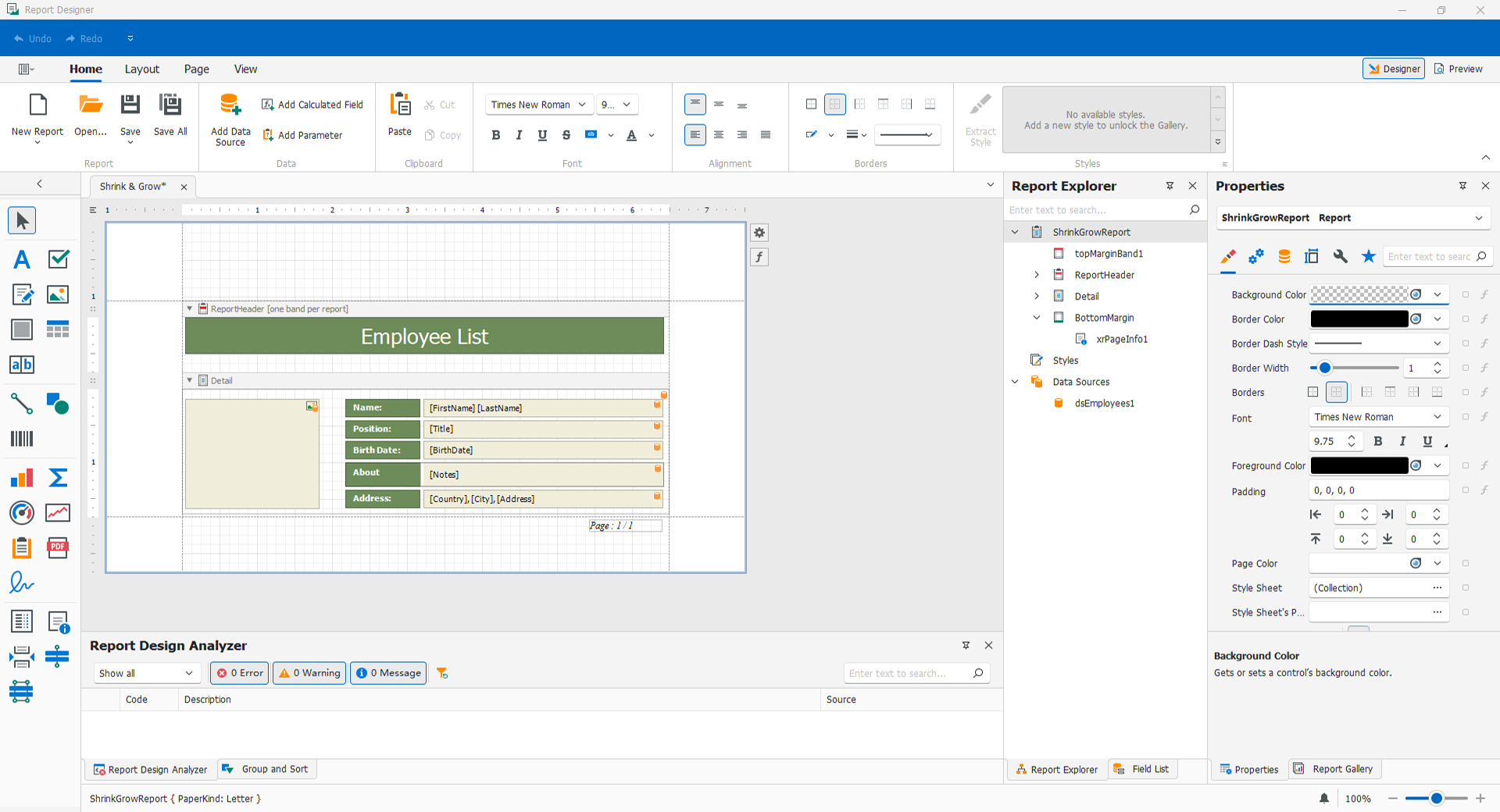
Create layouts and print credentials in a straightforward workflow for static content and manual output.
Licensing details
Start with Basic for static layouts. Data-bound content or batch printing requires an applicable higher edition.
02
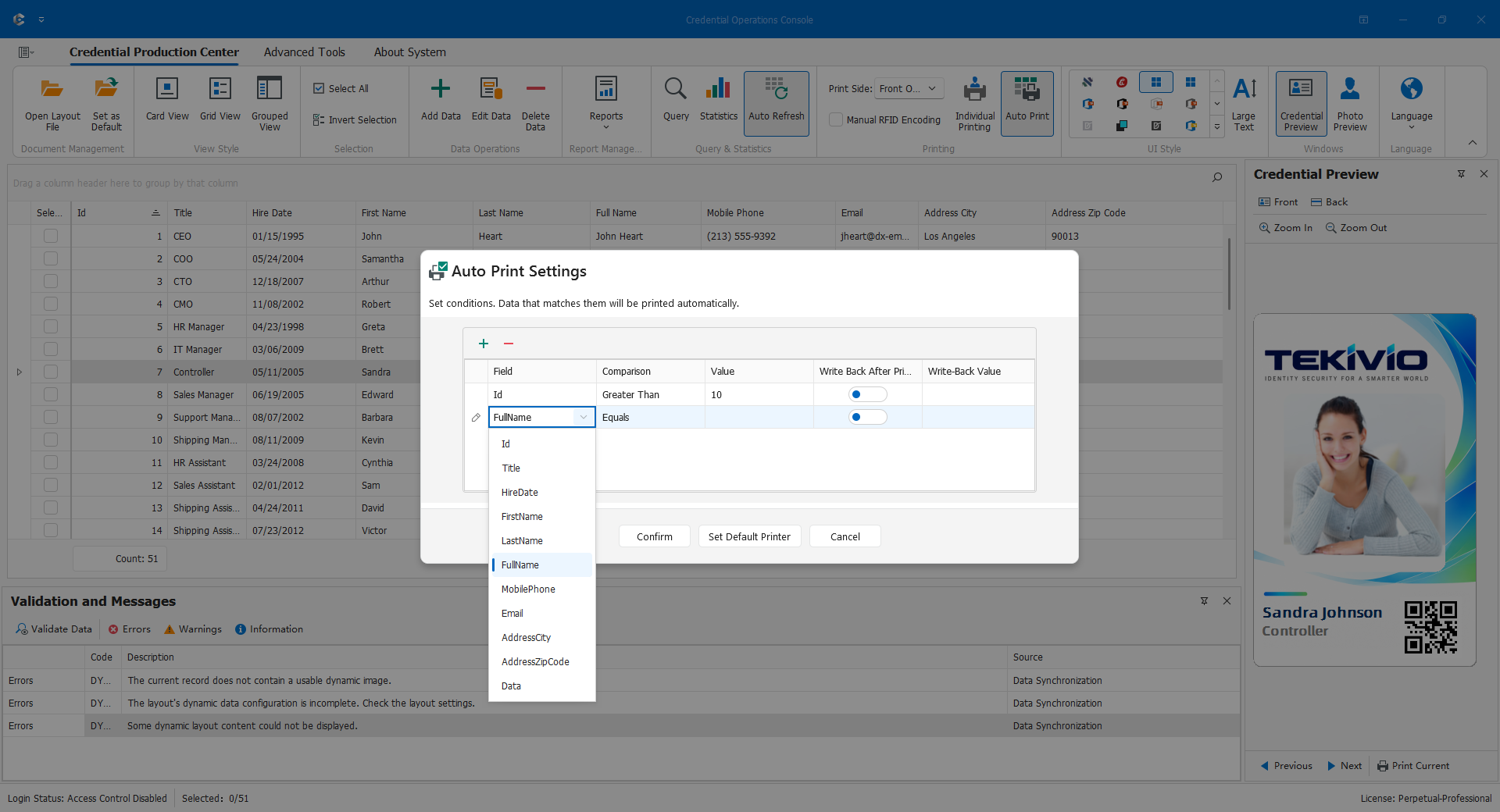
Template Issuance
Console at the issuance workstation
Operators open an approved, password-protected template, prepare records and issue credentials without a layout-design workstation.
Licensing details
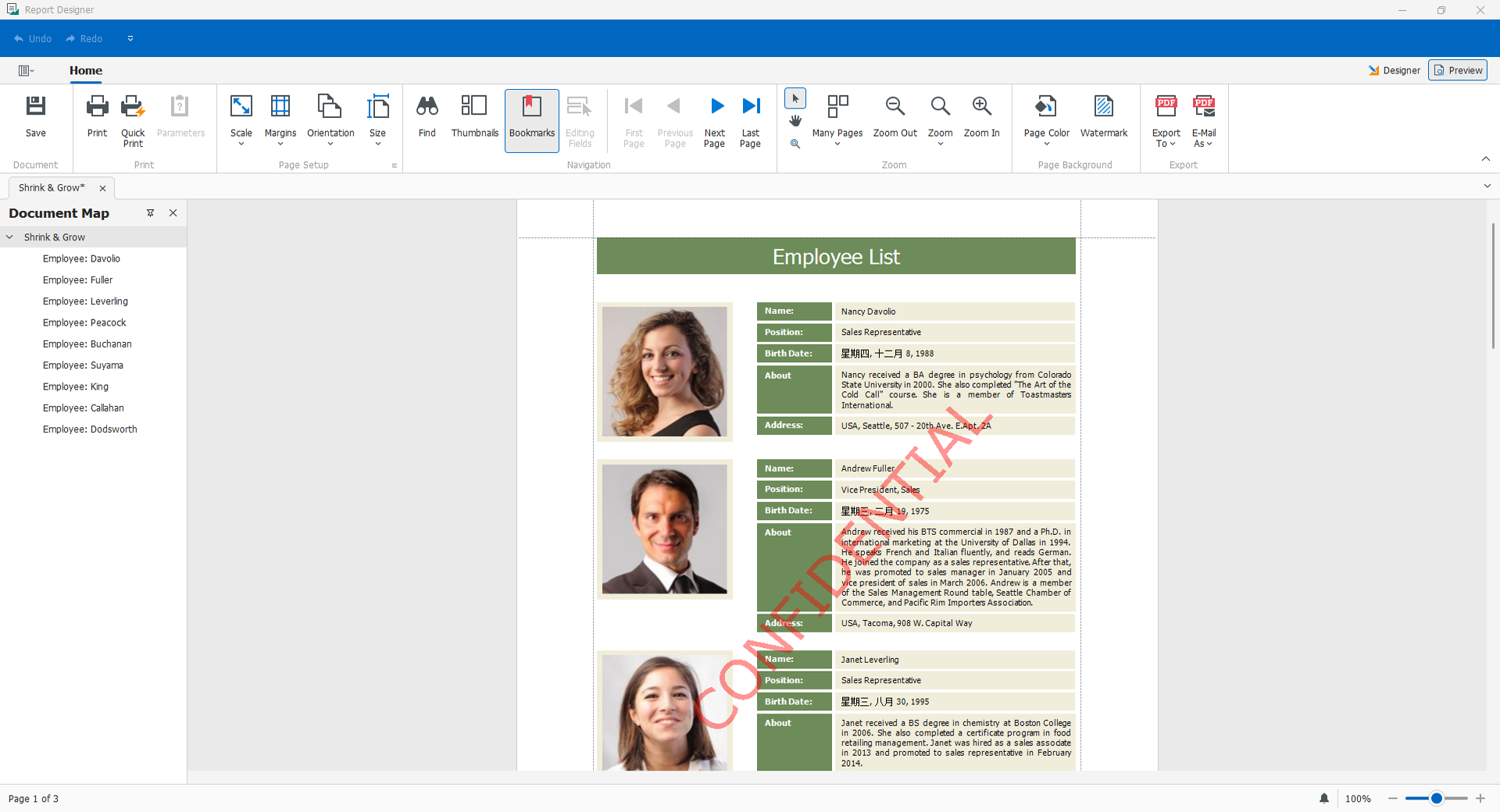
Templates are prepared separately in Studio. Choose licensing by the data, RFID and production features required; this is a workflow configuration, not the Professional licence name.
03
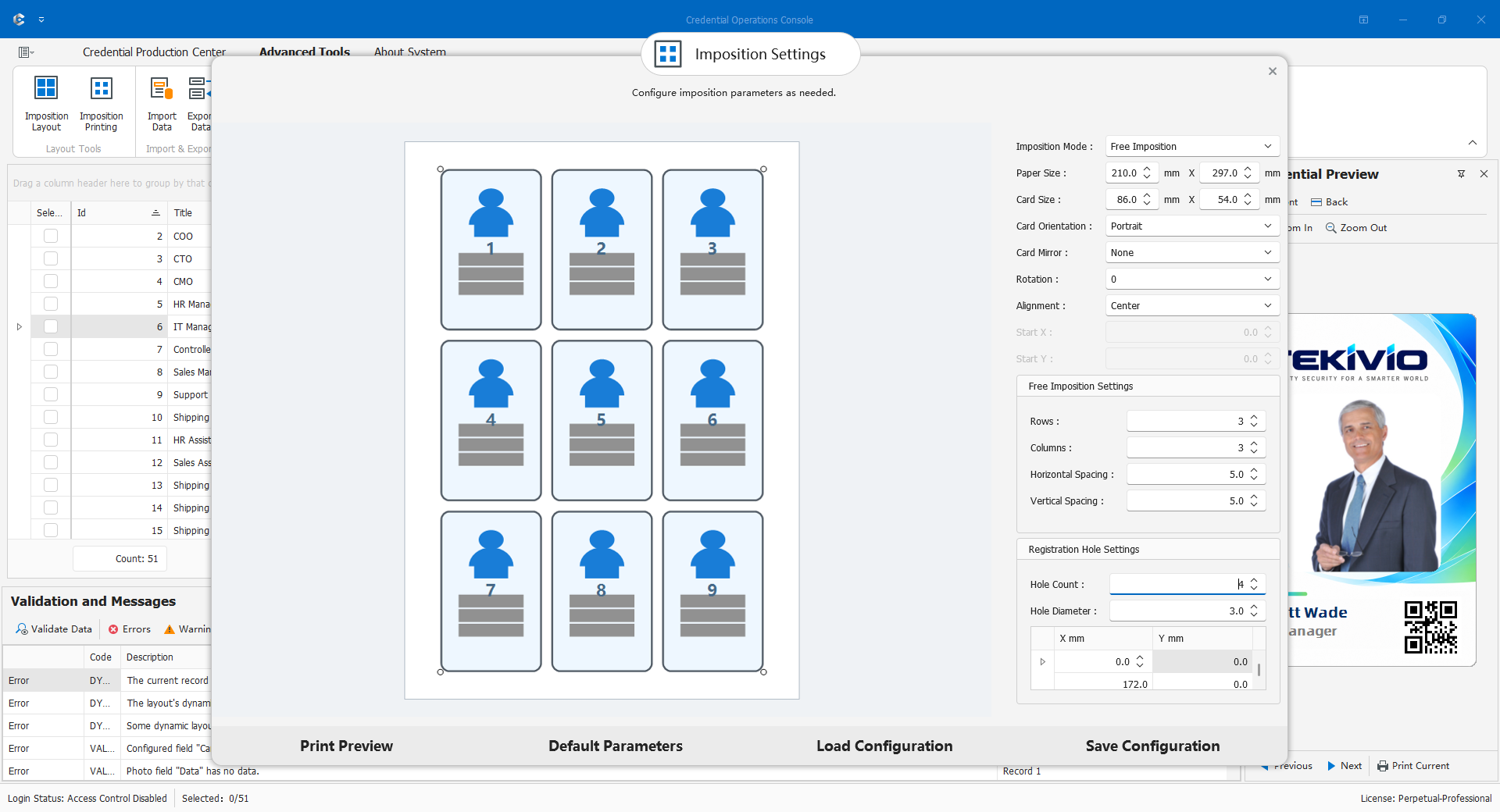
Data-driven Production
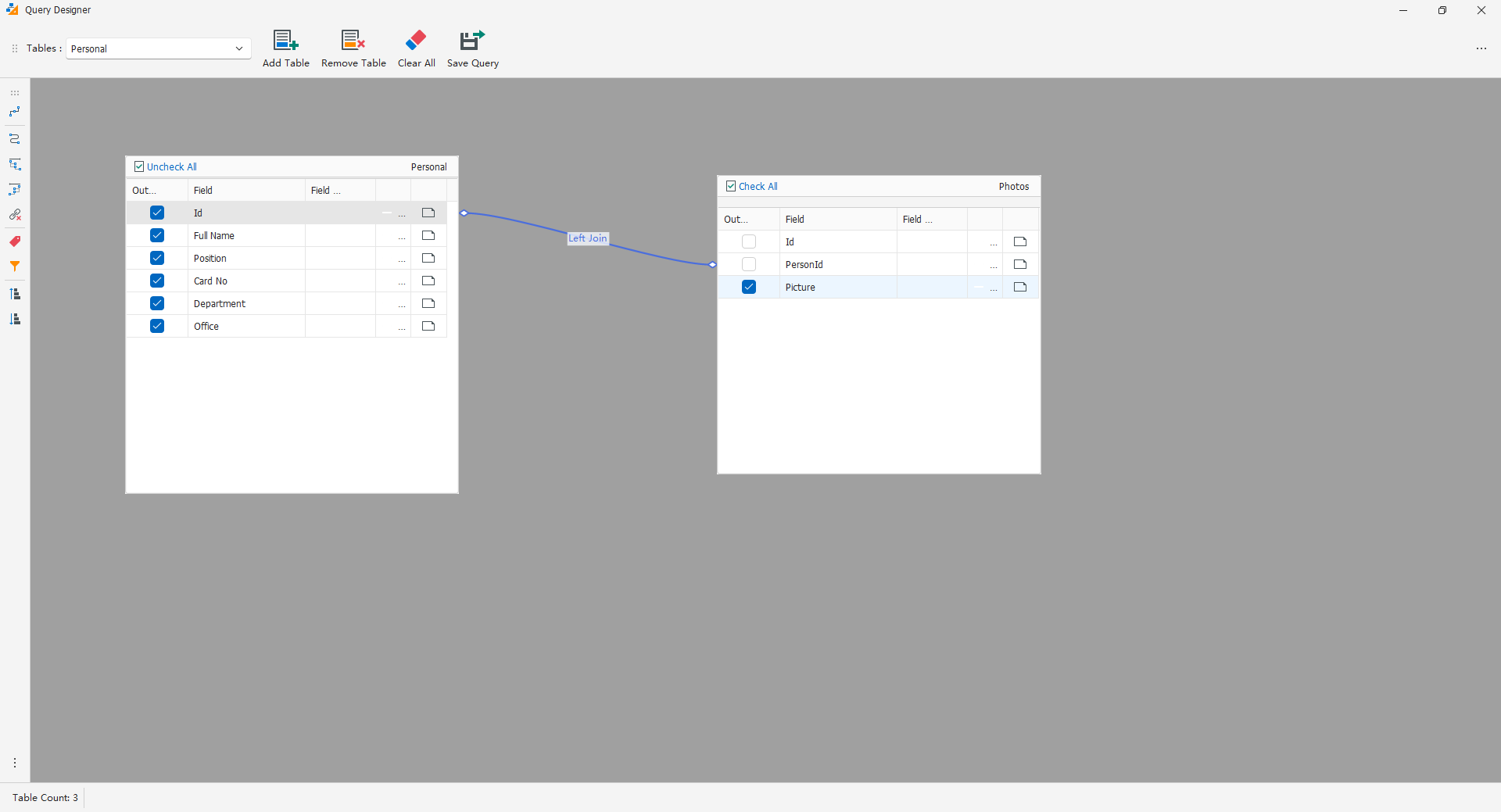
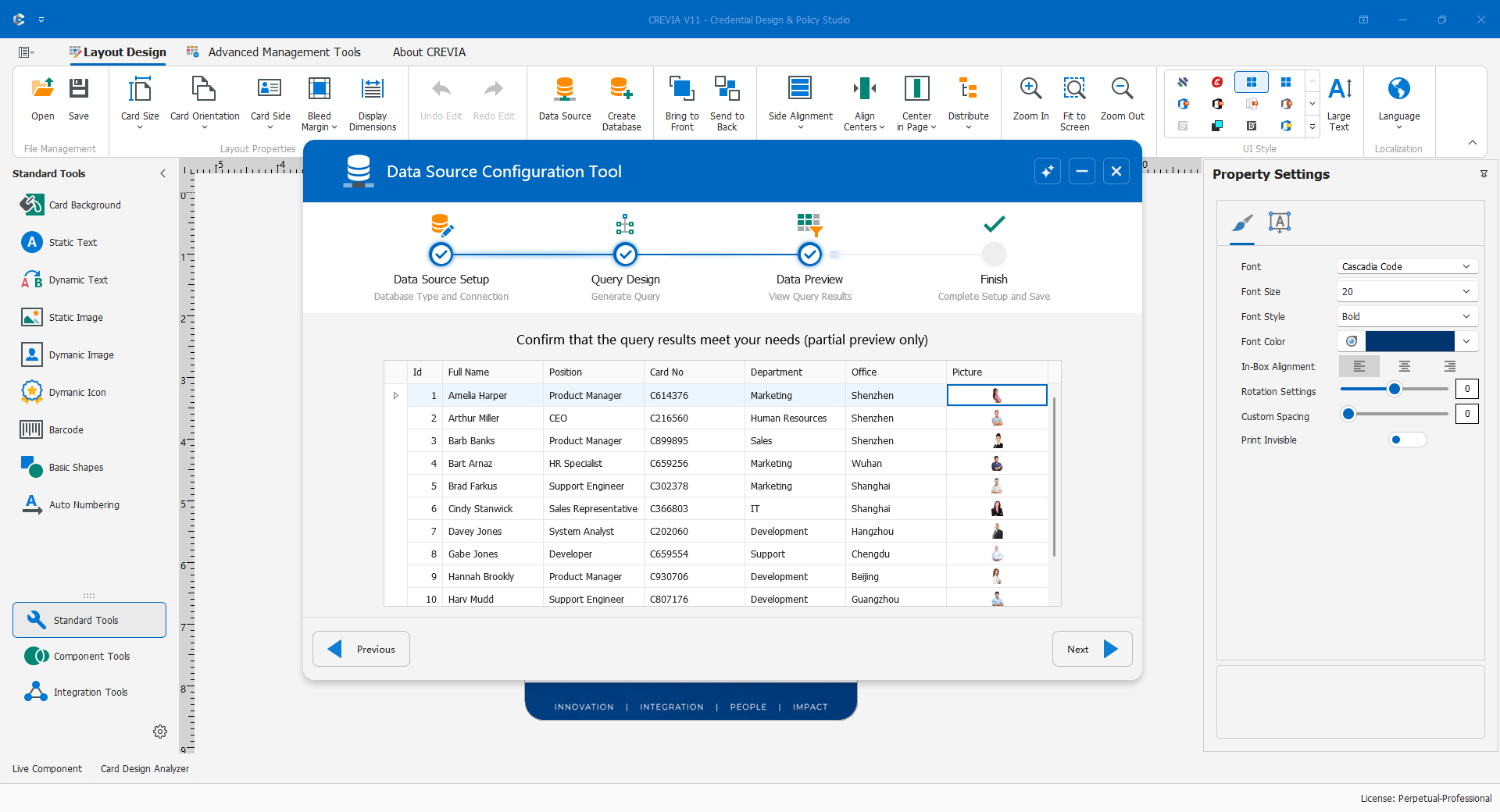
Studio + Console + connected data
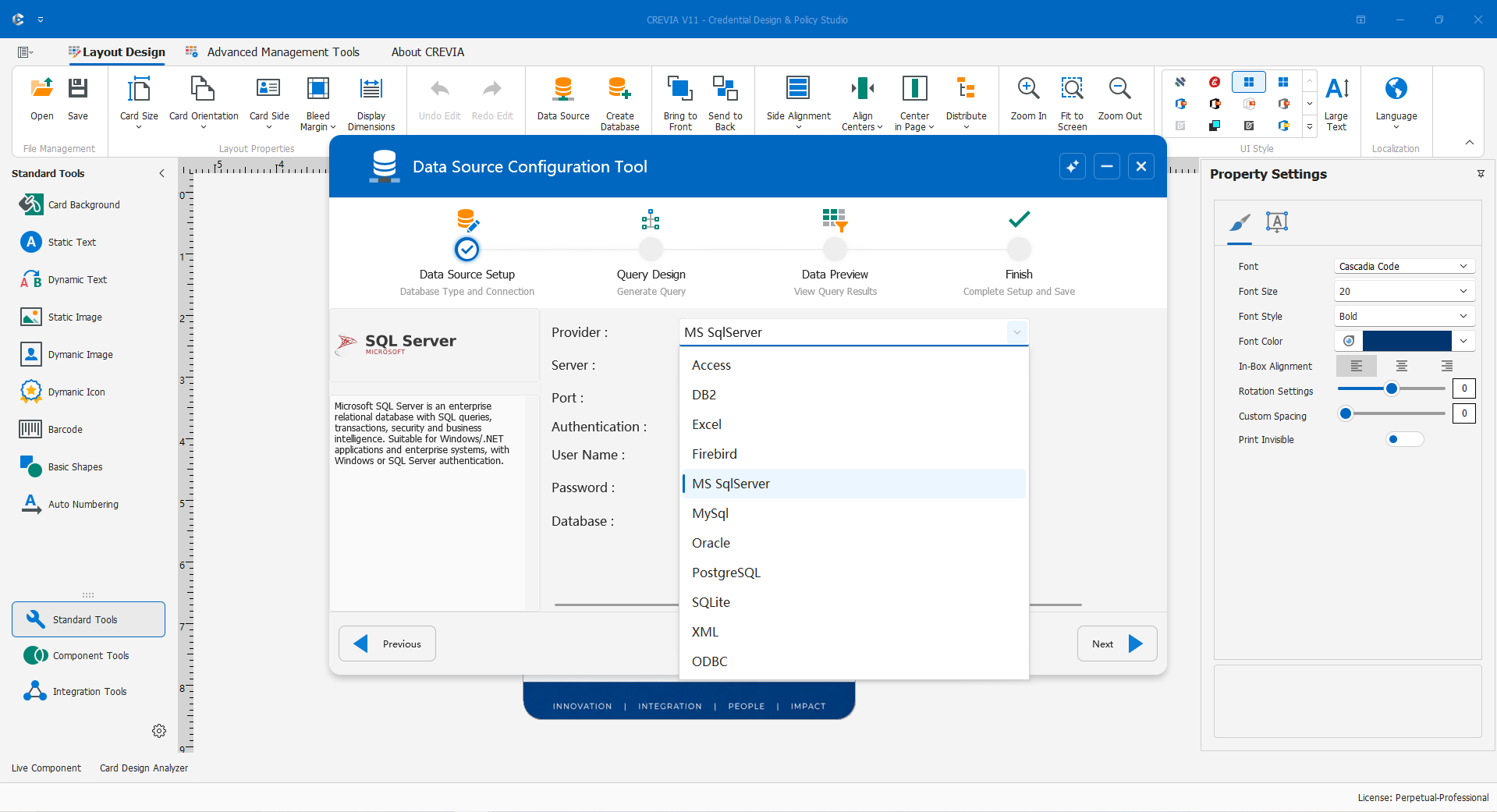
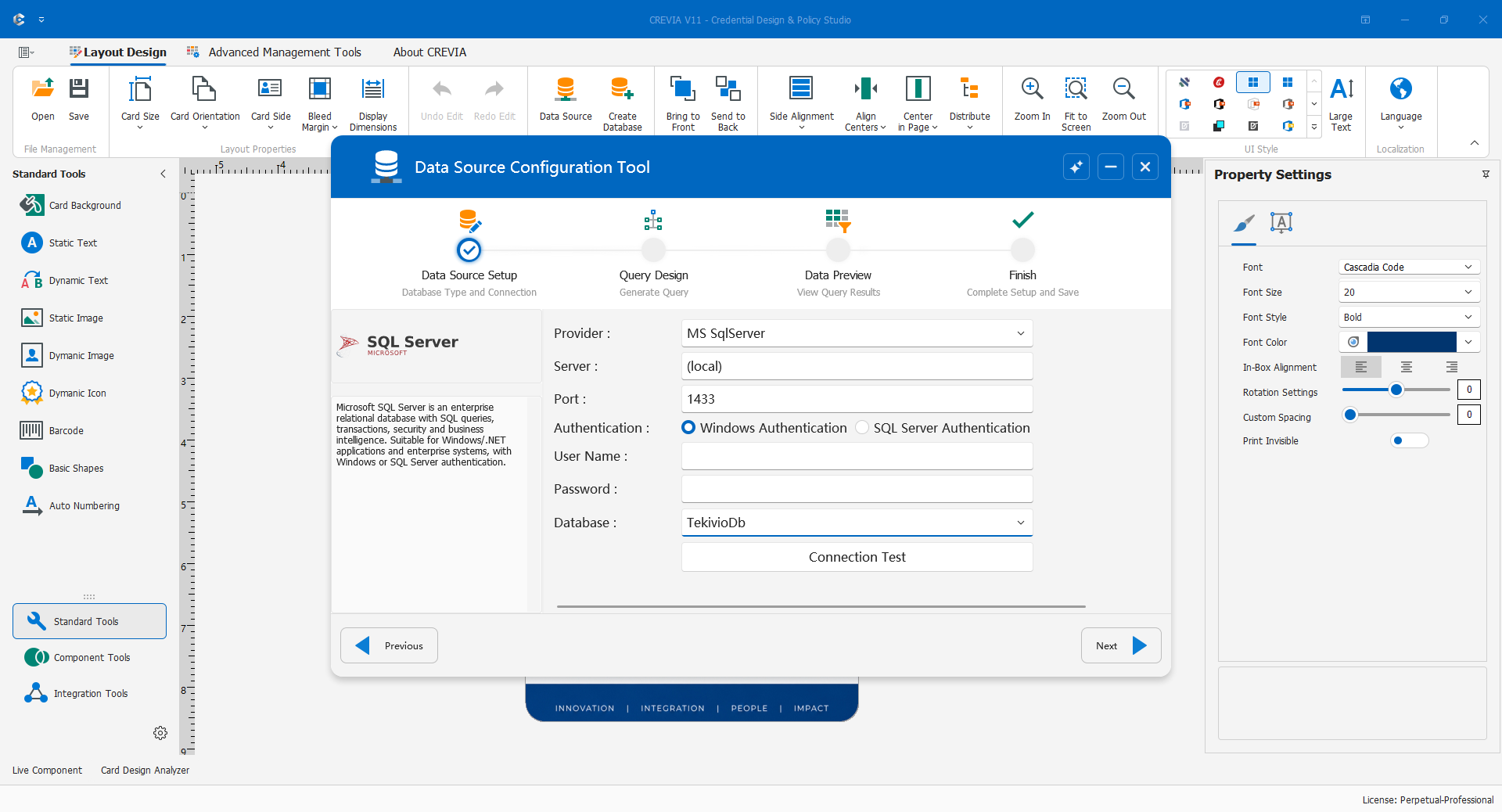
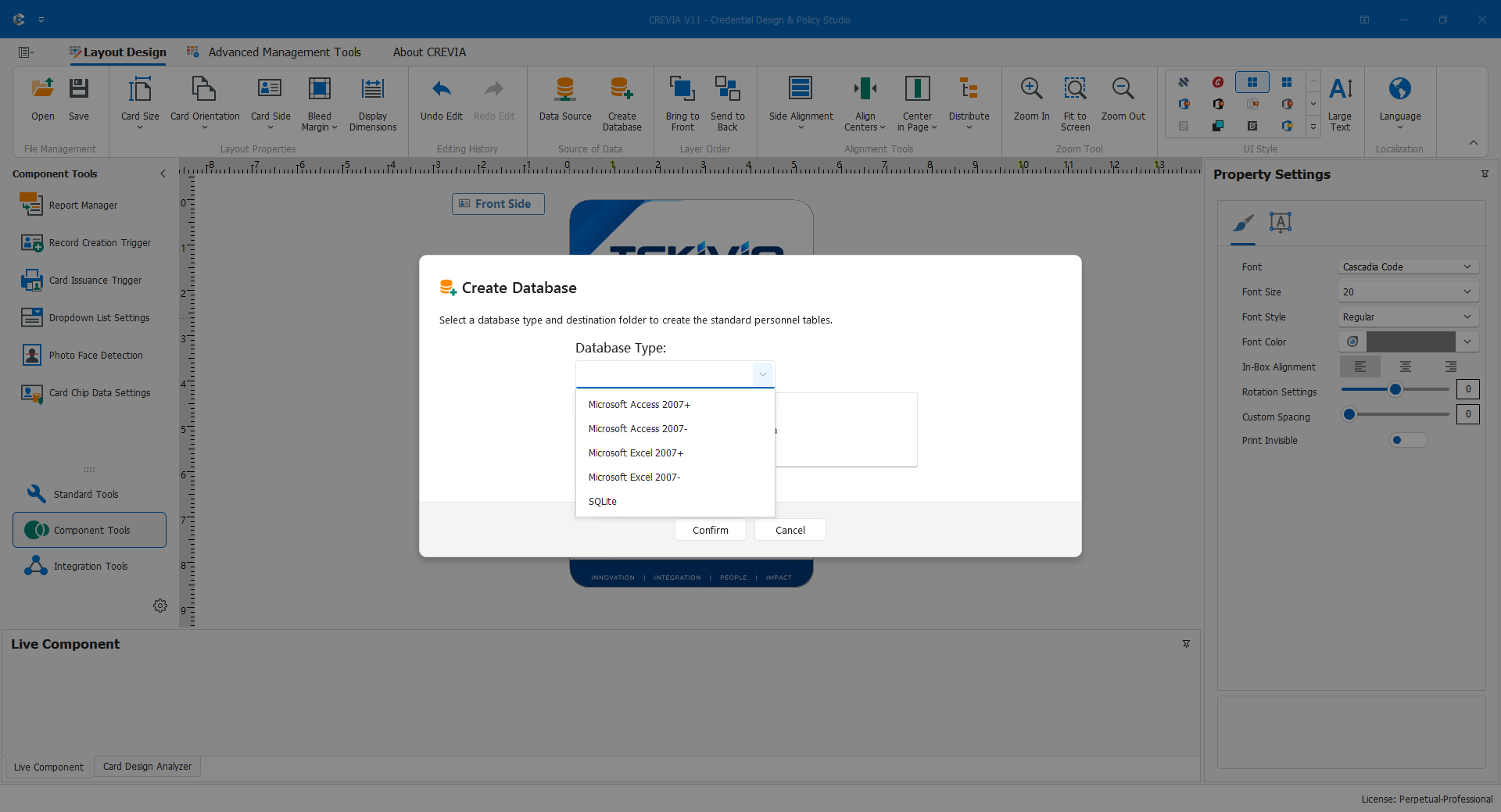
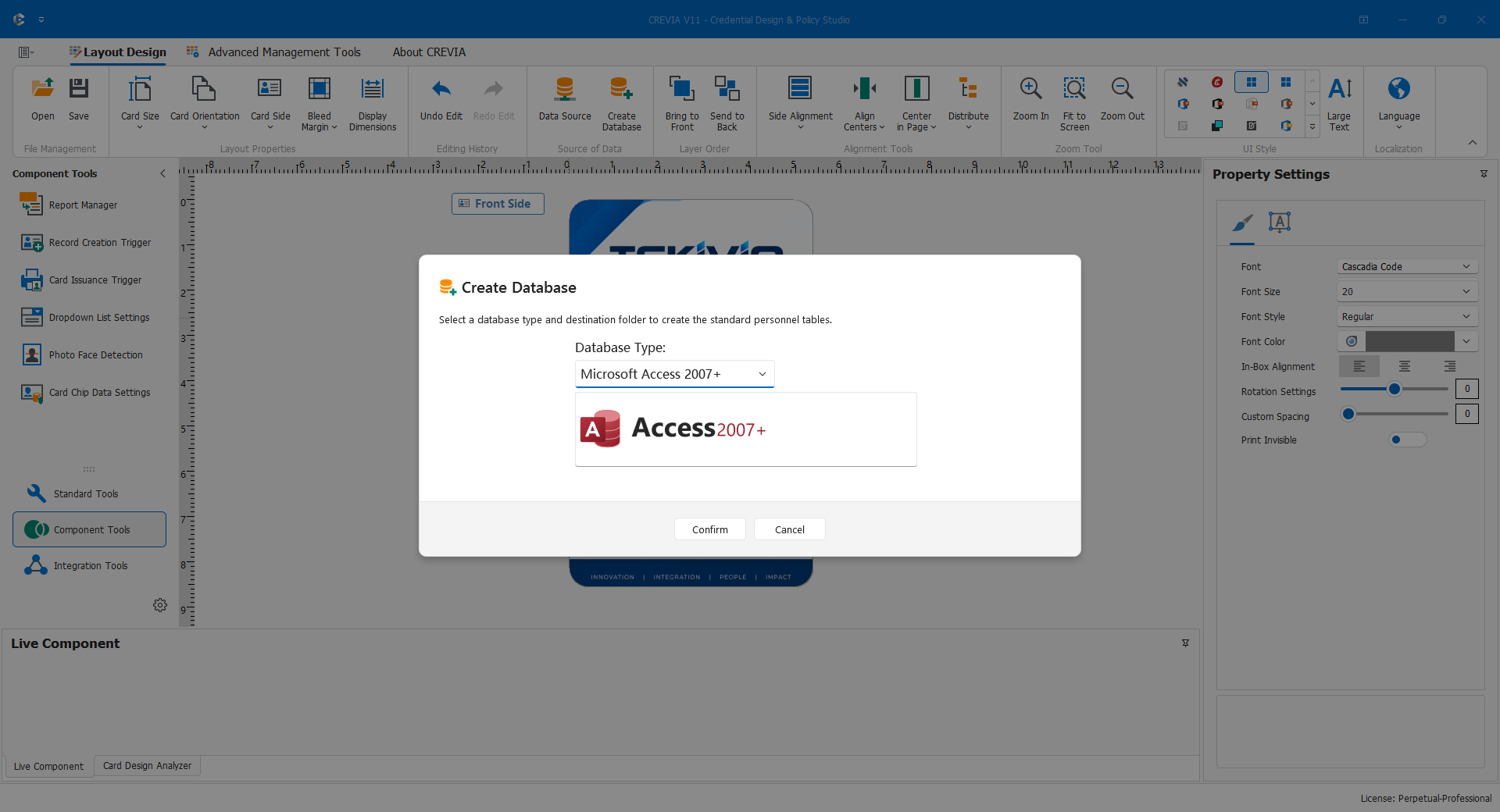
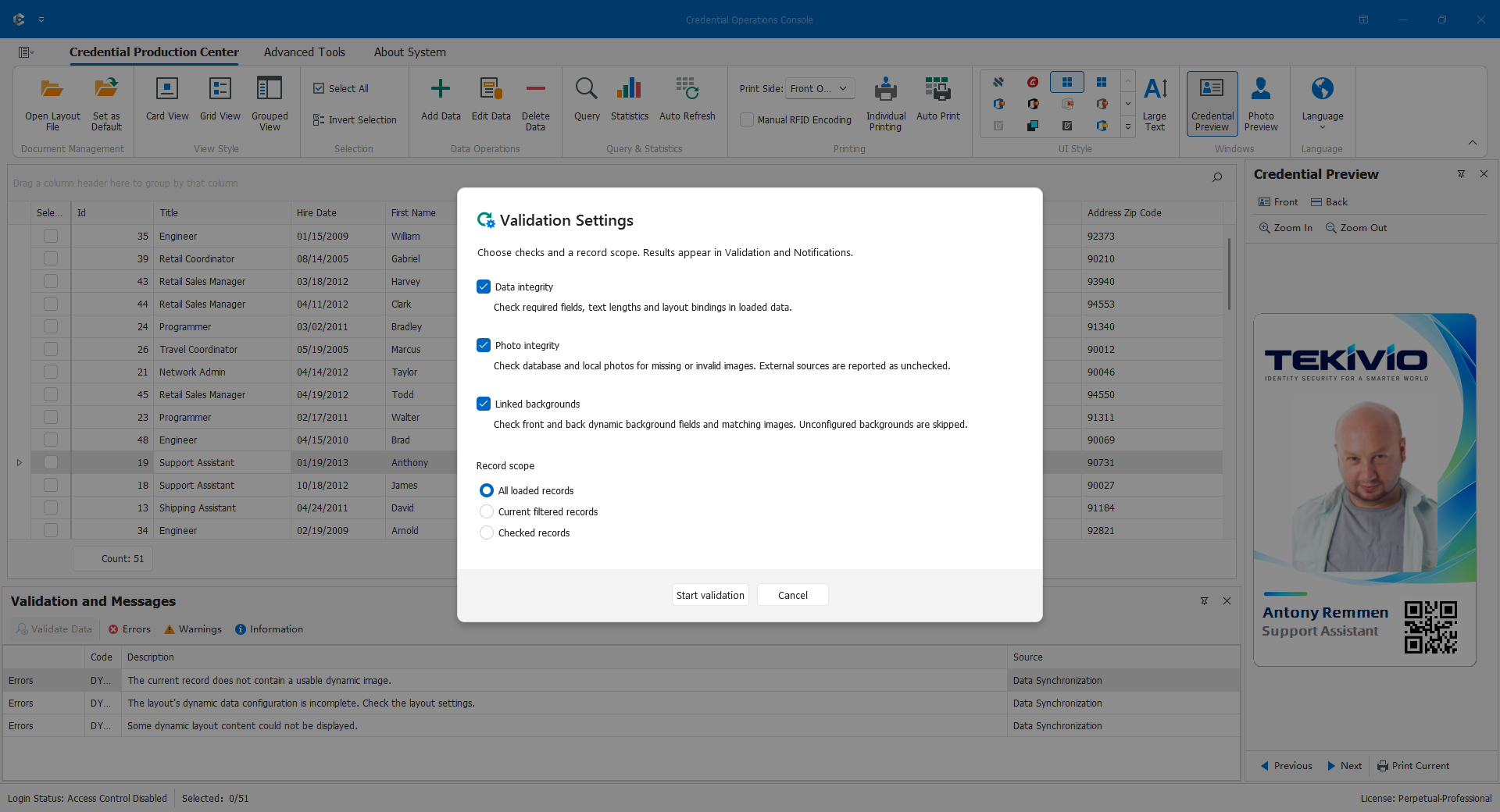
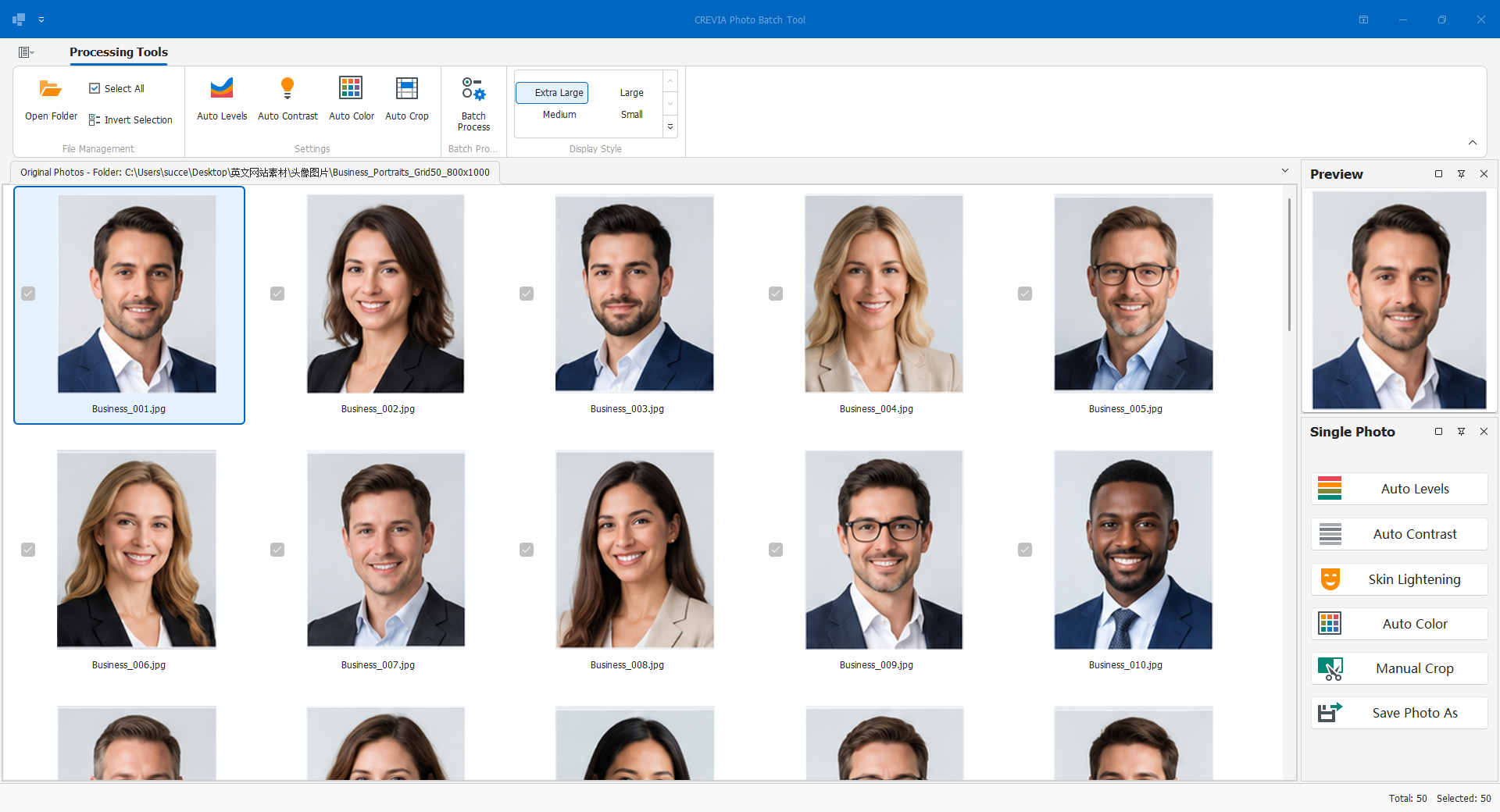
Combine database-connected layouts, record entry, queries, validation and production. Add import/export and photo batches when needed.
Licensing details
Standard covers the listed core dynamic-data functions. The supplied matrix places batch import/export and batch photo processing in Professional.
04
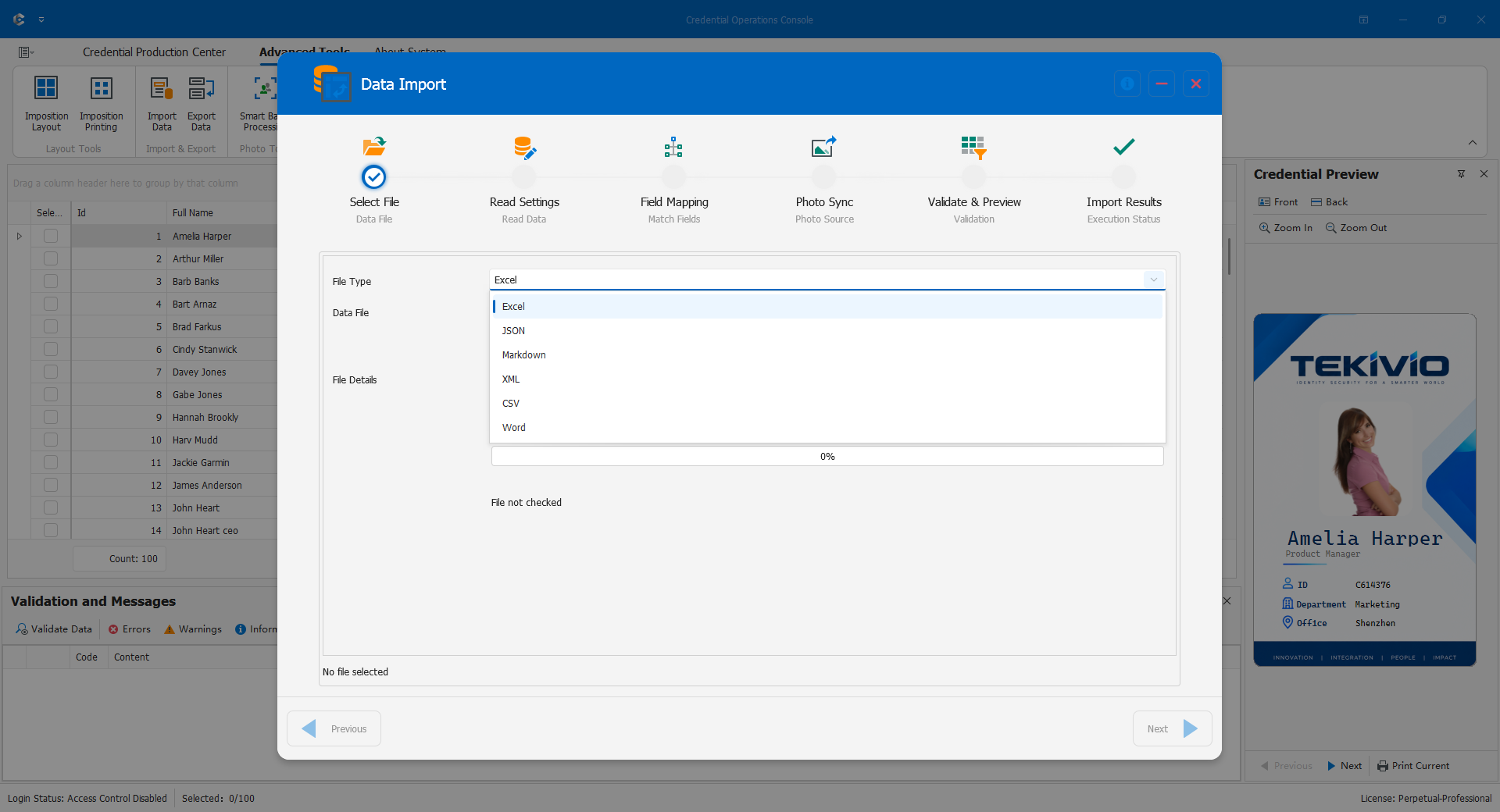
Integrated Automation
Studio + Console + interfaces / devices
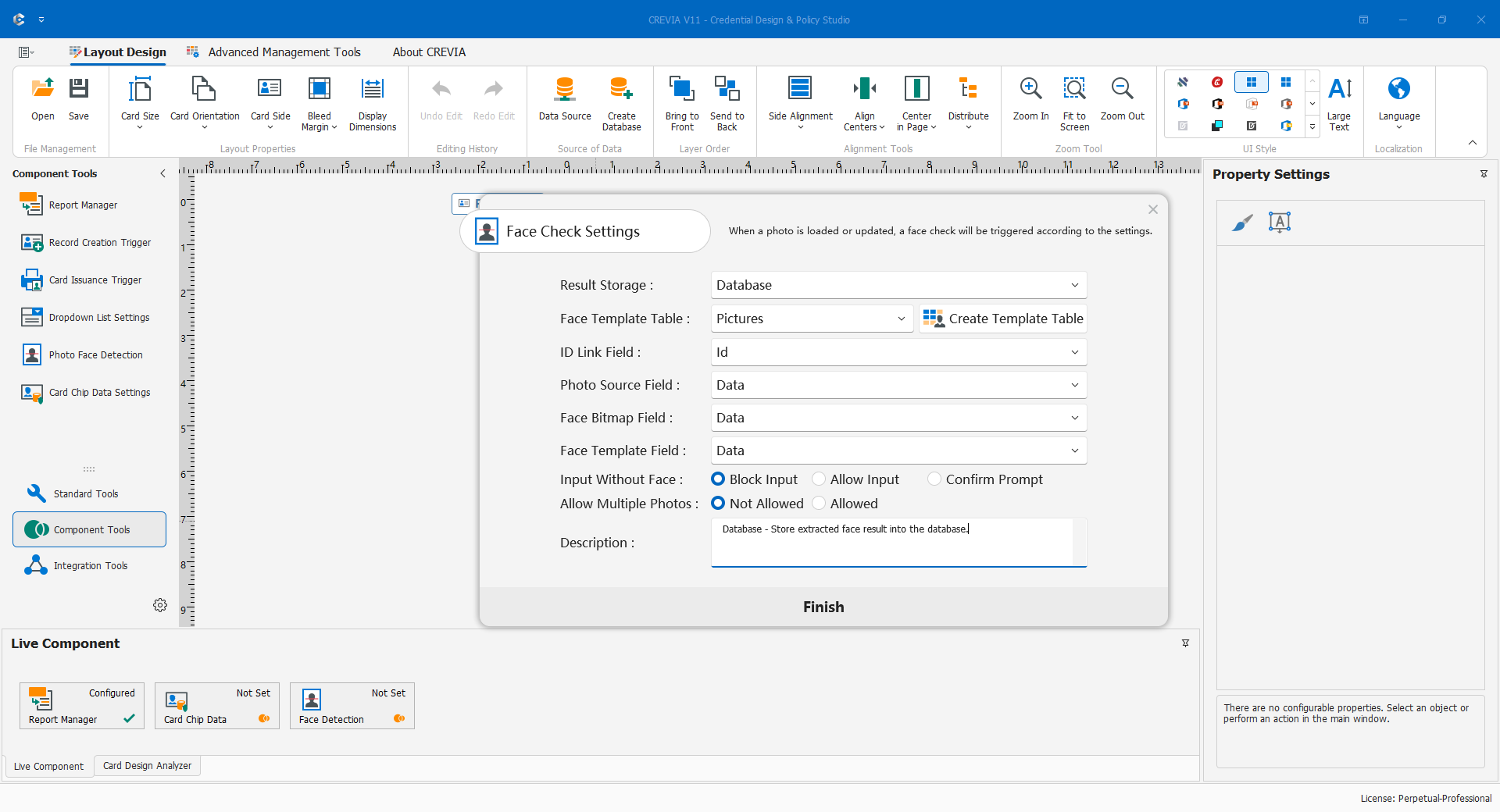
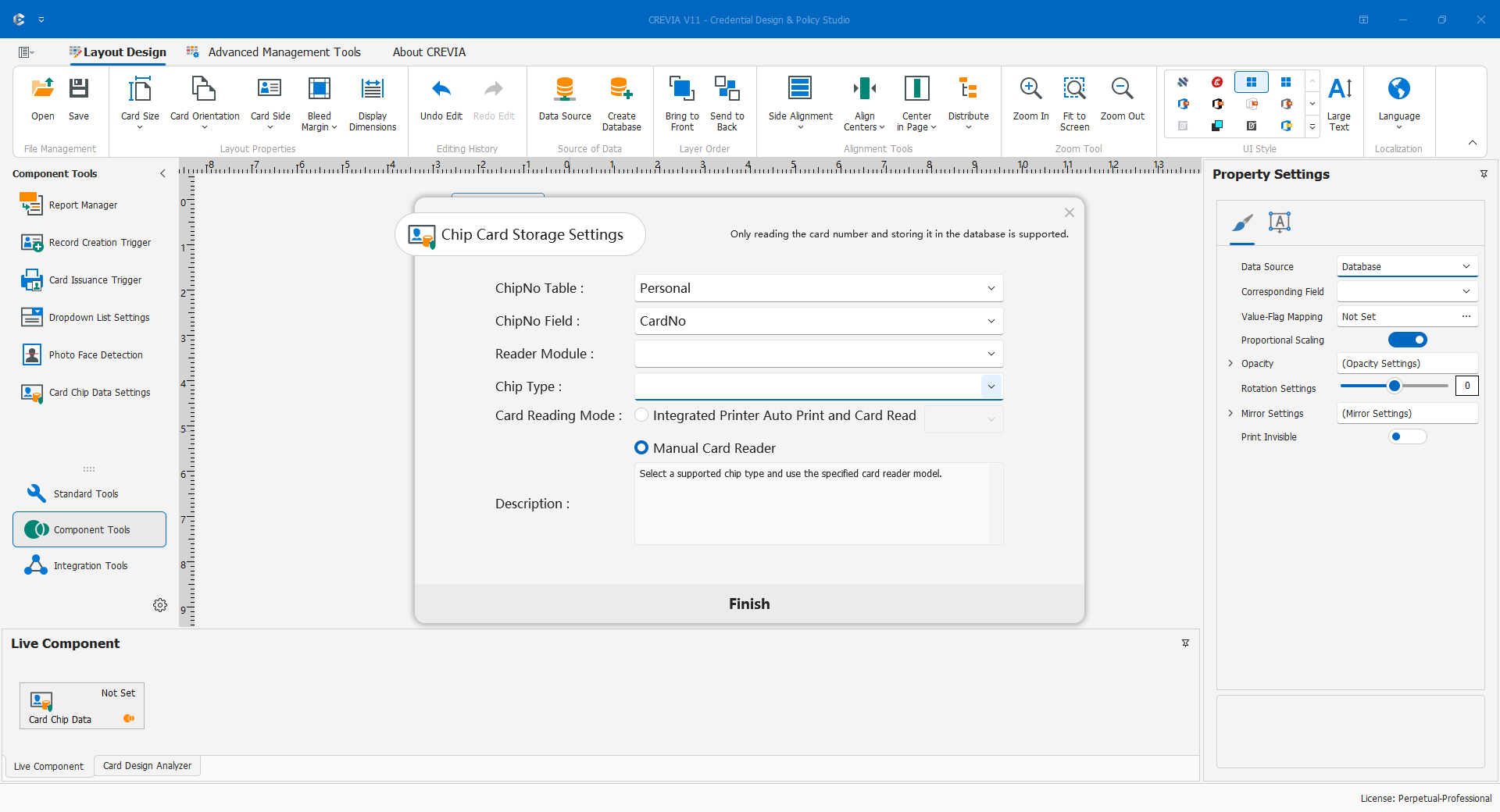
Connect DLL or web-service interfaces, configured triggers, refresh rules, conditional printing and supported chip readers.
Licensing details
Advanced lists interfaces, triggers, reports and permission management. Professional adds the listed extended production functions. Confirm device and interface compatibility.
Studio = Credential Design & Policy Studio · Console = Credential Operations Console. Workflow configurations are not licence editions; each workstation needs appropriate licensing.